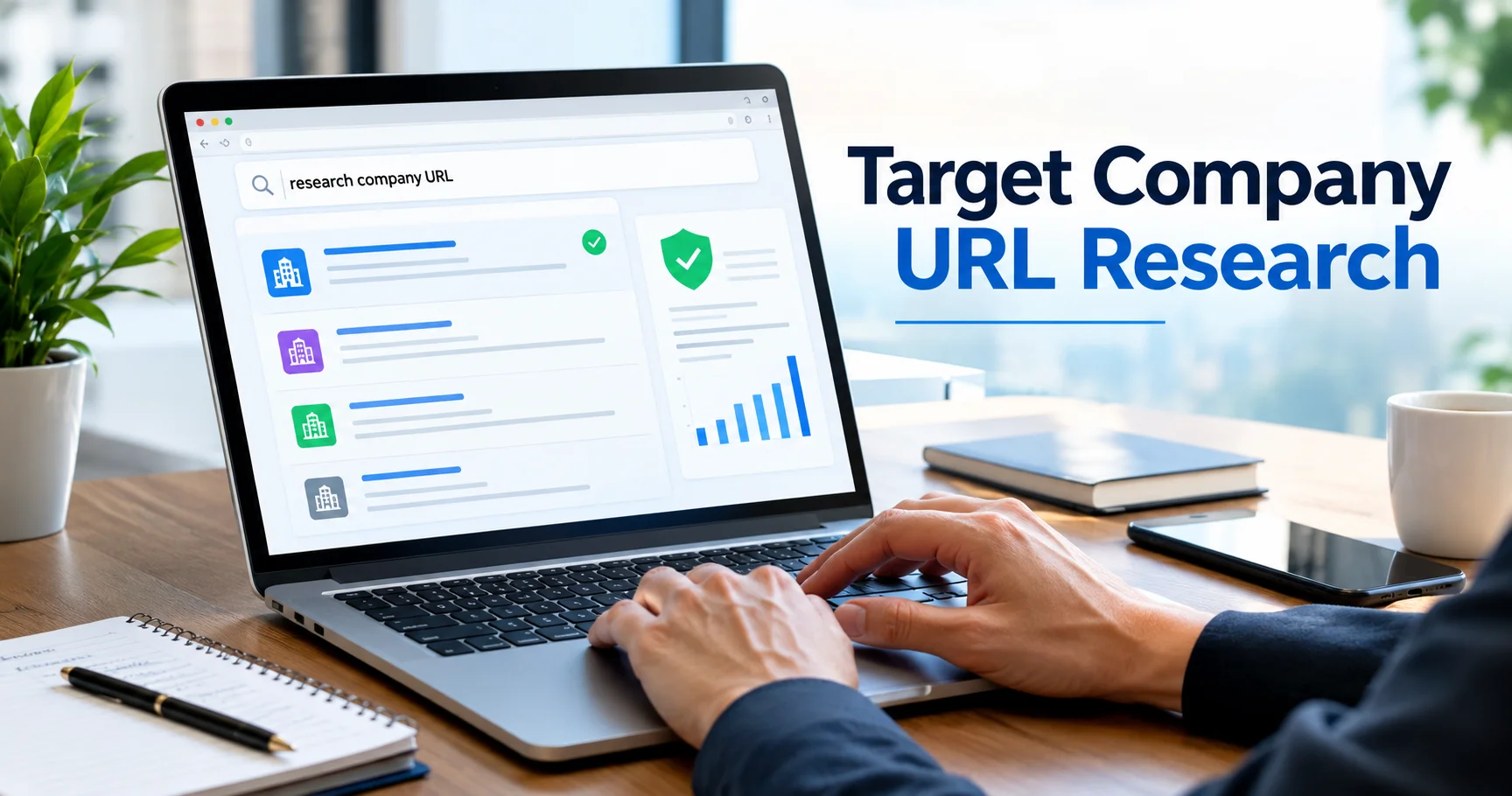
Target Company URL Research: How to Find and Verify Official Business Websites
What Is Target Company URL Research?
Target company URL research means finding the correct official website for a business and checking that the website belongs to the right company.
A company URL is often the first step in business research. Sales teams use it to find potential customers. SEO teams use it for competitor research. Recruiters use it to find official career pages. Researchers use it to study products, markets, and business activity.
The basic process is simple:
Company name → Find a possible URL → Verify the website → Collect business data → Use the information
Finding a website is easy. Finding the correct website takes more care. Search results may show directories, social media pages, news websites, online stores, or companies with similar names.
Why Company URL Research Matters
A company website acts as a digital identity for a business. It can help you confirm the company’s name, location, products, services, and contact details.
An incorrect URL can damage your research. You may collect information about the wrong company, including its:
- Industry.
- Products.
- Location.
- Employees.
- Leadership.
- Contact details.
- Competitors.
- Social media accounts.
This is why target company URL research should include both discovery and verification. A tool may find a possible domain, but a person should check the result before using it.
The Target Company URL Research Process
A reliable company URL research workflow usually follows these steps:
- Collect company names.
- Clean the company data.
- Find possible domains.
- Compare the results.
- Verify the official website.
- Check regional websites.
- Add business information.
- Record the verification status.
- Export the results.
- Review the data later.
This process works for a small list of businesses or a large company database.
Step 1: Create a Company List
Start with the businesses you want to research. A simple spreadsheet can include:
| Company name | Country | Industry | Website | Status |
|---|---|---|---|---|
| Example Company A | USA | Software | Pending | Research |
| Example Company B | India | Manufacturing | Pending | Research |
| Example Company C | UK | Finance | Pending | Research |
Adding the country and industry makes company URL verification easier. This is useful when several businesses have the same or similar names.
For example, “Pioneer Solutions” could be a software company, a consulting firm, or a manufacturing business. Location and industry details help separate one company from another.
Step 2: Clean Company Names
Poor information often leads to poor search results. Before starting company domain research, check the names in your list.
Remove unnecessary legal terms when they are not part of the brand, such as:
- LLC.
- Inc.
- Incorporated.
- Ltd.
- Limited.
- PLC.
- LLP.
- GmbH.
- Pvt. Ltd.
For example, “Bright Future Technologies Private Limited” may appear online as “Bright Future Technologies.”
Also check for spelling errors, duplicate records, old business names, abbreviations, and parent or subsidiary companies. Do not remove words that are part of the company’s real brand name.
Step 3: Find Possible Company URLs
The next stage is to search for likely websites. You can use manual searches, company URL tools, or both.
A manual search should include the company name and extra information. Useful search terms include:
- Company name and country.
- Company name and city.
- Company name and industry.
- Company name and product.
- Company name and “official website.”
For example, this search is more useful than searching for a short company name alone:
ABC Technologies India official website
Automated company domain research tools can help when you need to check hundreds of names. These tools may return possible websites, match scores, or confidence levels.
However, an automated result is only a starting point. It should not be treated as confirmed until you check the website.
Step 4: Check Match Scores Carefully
Some company URL research tools show a match score. This score can help you decide which results need more attention.
| Match level | Recommended action |
|---|---|
| Very high | Perform a quick check |
| High | Check the company identity |
| Medium | Complete a detailed review |
| Low | Search for other domains |
| No match | Conduct manual research |
A high score does not always prove that a URL is correct. A tool may match two similar names even when they belong to different companies.
For example, “Greenfield Technology” and “Greenfield Technologies” may look similar. You still need to check the company’s industry, country, products, and contact information.
Step 5: Verify the Official Website
Website verification is the most important part of target company URL research.
Open the possible website and check the following details.
Company name
The name on the website should match the business you are researching. Small differences may be normal, but large differences need further review.
About page
The About page may show the company’s history, location, founders, services, and markets.
Contact page
Check the office address, phone number, and business email address. The location should match the company in your research list.
Products and services
Make sure the website offers the type of products or services connected to the company.
Legal pages
Privacy policies, terms of service, and copyright notices may show the company’s legal name or the owner of the website.
Branding
Compare the logo, colors, business name, and public information with other reliable company records.
A domain should not be marked as verified only because the website uses a similar name.
First-Party Sources Are Most Useful
First-party information comes directly from the business. It is usually the best evidence for confirming a company’s current online identity.
Useful first-party sources include:
- Official website.
- About page.
- Contact page.
- Investor relations page.
- Careers page.
- Company newsroom.
- Privacy policy.
- Terms and conditions.
- Official company announcements.
Business directories and social media profiles can help you discover a company, but their information may be old or incomplete. Use the company’s own website for final verification when possible.
Handling Similar Company Names
Similar business names create one of the biggest problems in company URL research.
A name such as “Mercury” could belong to a technology company, a finance business, an insurance firm, or a manufacturer.
Add more details to your search, such as:
- Country.
- City.
- Industry.
- Product.
- Founder.
- Parent company.
- Employee size.
For example:
Mercury fintech USA official website
is more precise than simply searching for “Mercury.”
The more information you have, the easier it becomes to find the correct business domain.
Global and Regional Websites
Large companies may use more than one website. They may have:
- A global .com domain.
- A country-specific domain.
- A regional subdomain.
- A language-based website.
- A separate product website.
A company may use a structure such as:
- example.com
- in.example.com
- example.com/in/
The best URL depends on your purpose. A global domain may be suitable for general company research. A regional URL may be more useful for local SEO, sales, recruitment, or market research.
When possible, save both the main domain and the regional website.
Rebrands, Acquisitions, and Domain Changes
Companies may change their names or websites after a rebrand, merger, acquisition, or business sale. An old domain may redirect visitors to a new website.
Do not assume that a redirect always means the company has completely changed. Check whether:
- The company changed its name.
- Another business acquired it.
- Only the website address changed.
- The old brand still operates.
- The company split into separate businesses.
Record the new domain and keep the old information when it has historical or research value.
Company URL Research for Sales
Sales teams often use target company URL research to build better prospect lists.
After verifying a company domain, a sales researcher can study:
- Product pages.
- Industry pages.
- Customer types.
- Company news.
- Careers pages.
- Partnerships.
- Integration pages.
This information can help sales teams create more useful and personal outreach messages. It is usually better than sending the same message to every business.
Company URL Research for SEO
SEO professionals can use verified domains for:
- Competitor research.
- Keyword gap analysis.
- Backlink research.
- Content research.
- Digital PR.
- Link prospecting.
- Market analysis.
A company URL tool helps you find the correct domain. You then need SEO tools to study rankings, traffic, keywords, backlinks, and content.
Correct domain research matters because analyzing the wrong website can lead to false conclusions about a competitor or market.
Company URL Research for Recruitment
Recruiters can use official company websites to find employment information. Common pages include:
- Careers.
- Jobs.
- Join Us.
- Work With Us.
- Opportunities.
- Vacancies.
Some companies send visitors to an outside hiring platform. Start from the official company website and follow its careers link. This is safer than relying only on old job listings or unknown recruitment websites.
Company URL Research for CRM Data
A CRM database becomes less useful when it contains incorrect or old information.
Common problems include:
- Duplicate companies.
- Missing domains.
- Old websites.
- Wrong company names.
- Incorrect subsidiaries.
- Outdated contact details.
A useful company record may include:
| Field | Purpose |
|---|---|
| Company name | Identifies the business |
| Main domain | Shows the official website |
| Country | Supports geographic research |
| Industry | Helps qualify the company |
| Parent company | Shows ownership |
| Verification status | Shows confidence |
| Last verified date | Shows data freshness |
These fields help sales, marketing, and research teams work with cleaner data.
Manual and Automated Research
Manual research gives better human judgment. It works well for unusual or confusing company names, but it can take a long time.
Automated research is faster and works well for large lists. However, it may confuse companies with similar names or return old websites.
The best method combines both approaches:
- Use automation to find possible domains.
- Use human review to verify uncertain matches.
- Check first-party sources before confirming important records.
Common Mistakes to Avoid
Avoid these problems during target company URL research:
- Choosing the first search result without checking it.
- Ignoring the company’s country or city.
- Trusting a match score completely.
- Missing a redirect or domain change.
- Confusing a subsidiary with its parent company.
- Relying only on old business directories.
- Adding unverified domains to a CRM.
- Treating an unofficial social profile as the main company website.
These mistakes can spread incorrect information across sales, marketing, recruitment, and SEO systems.
How to Improve Research Accuracy
Use these simple practices:
- Begin with clean company names.
- Add country and industry details.
- Compare more than one possible domain.
- Check the About and Contact pages.
- Review products and services.
- Read legal information.
- Investigate redirects.
- Mark uncertain matches for review.
- Record the date of verification.
- Recheck important companies from time to time.
For high-value businesses, confirm the domain with several identity signals before using it.
Can AI Help With Company URL Research?
AI can make company research faster. It can help clean names, remove duplicates, compare similar businesses, classify industries, summarize websites, and identify possible domains.
Still, AI can make mistakes. It may connect the wrong company with a domain or use information that is no longer current.
For important research, verify the final result against the company’s current official website and other reliable business sources.
Final Checklist
Before marking a company URL as verified, ask:
- Does the company name match?
- Does the industry match?
- Does the location make sense?
- Are the products or services correct?
- Does the About page support the match?
- Does the Contact page support the match?
- Is the business a parent company or subsidiary?
- Is there a regional website?
- Does an old domain redirect to a new one?
- Is the website active and current?
If several answers are unclear, continue the research.
Conclusion
Target company URL research is more than finding a website address. It is the process of identifying the correct business, checking its official domain, and building reliable company data.
A verified URL can improve sales research, SEO analysis, recruitment, market studies, CRM records, and business intelligence. The most accurate workflow combines automated discovery with careful human review.
Always check the company name, location, industry, products, contact details, and legal information before confirming a domain. This simple step helps prevent large research errors and gives every later business decision a stronger foundation.
Sources
Target Company URL Research: Find & Verify Websites
Target Corporation: News, Careers, Investors, Sustainability …
Article generator
my article generator tool is perplexity.ai
Why don’t me write the article yourself? Please explain in detail.
I’m not very good at writing articles because I don’t have much experience with article writing. My English is also not very strong, so I write articles in my own way. However, I do some research for my articles and try to add useful information. If any of the information is not verified or accurate, I apologize.