Amazon Vine Login: How to Access Your Vine Account Safely
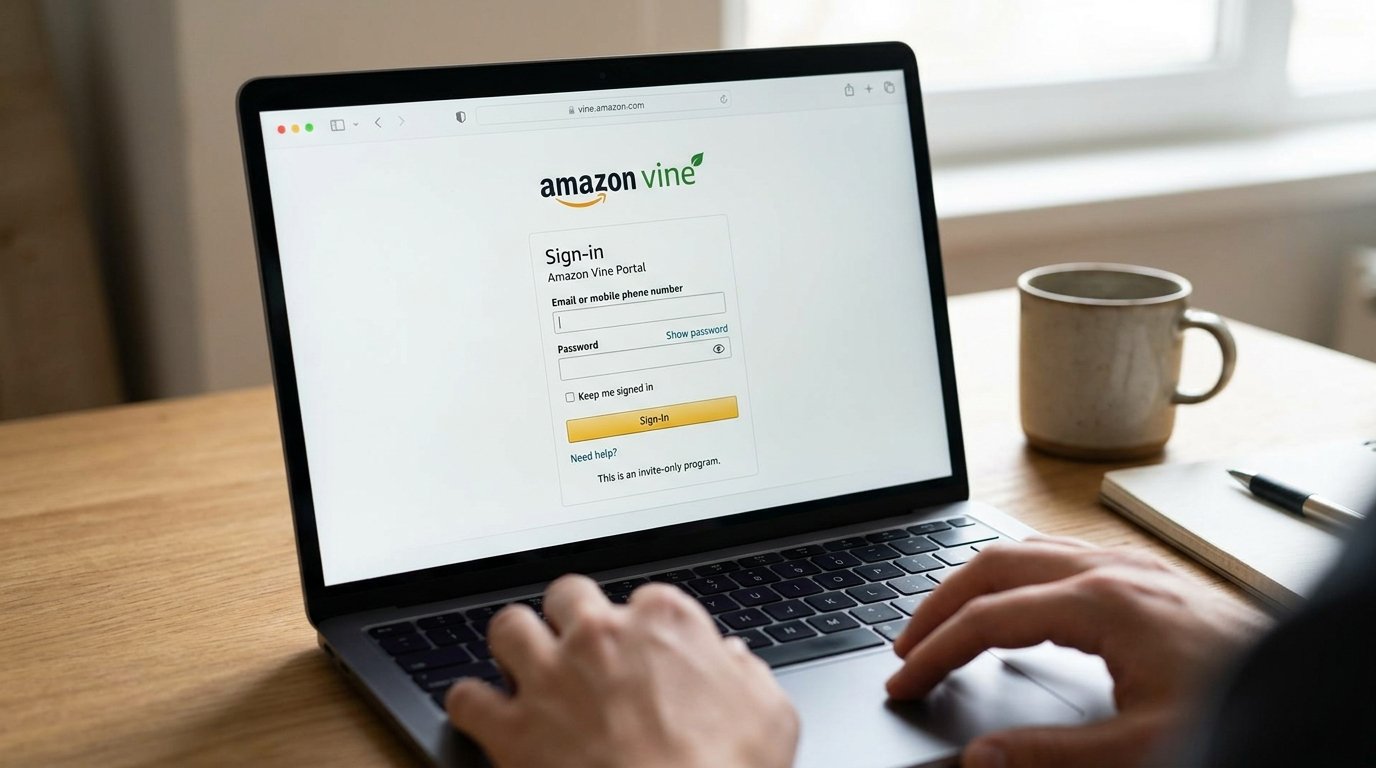
The Amazon Vine login uses your existing Amazon account. There is no separate public account that anyone can create just for Vine. Reviewers must first be invited by Amazon to become a Vine Voice. Sellers use their Seller Central account to access Amazon Vine and enroll eligible products. Amazon describes Vine as a program where invited reviewers can receive products and share honest opinions.
This difference matters because people searching for an Amazon Vine sign-in page may be looking for two different things. A Vine Voice wants to access available products and manage reviews. An Amazon seller may want to enroll products or check an existing Vine campaign.
What Is Amazon Vine?
Amazon Vine is Amazon’s product review program. It connects eligible products with reviewers Amazon has invited to participate.
These reviewers are known as Vine Voices. They can request selected products through the program and provide honest reviews after using them. Amazon says Vine reviews must follow its review rules and reflect the reviewer’s genuine opinion. A review does not have to be positive.
Amazon also labels these reviews so shoppers can see that the product was received through Vine.
For sellers, Vine serves a different purpose. Eligible sellers can enroll products so Vine Voices can request them and potentially review them. Amazon currently states that seller participation has requirements involving the selling account, Brand Registry role, FBA listing, and product eligibility.
So there are two main sides of the program:
| User | How Vine Access Works |
|---|---|
| Vine Voice | Uses an eligible Amazon customer account after receiving an invitation |
| Amazon seller | Uses Seller Central and must meet Vine seller and product requirements |
You should use the login route that matches your role.
Amazon Vine Login for Vine Voices
If you are already a Vine Voice, use the Amazon account connected to your Vine invitation.
Your Vine access is linked to that account. You do not need to create a new Amazon account just to sign in to Vine.
The basic process is simple:
- Go to Amazon using your normal browser.
- Sign in with the Amazon account associated with your Vine membership.
- Open the Amazon Vine area for your marketplace.
- Complete any account verification Amazon requests.
- Once signed in, check your available Vine features and account information.
Use the same email address or mobile number and password that you normally use for that Amazon account.
If you have several Amazon accounts, this point is especially important. Signing in successfully does not necessarily mean you have signed in to the account that holds your Vine access.
For safety, you can start from Amazon’s official website rather than trusting an unfamiliar login link sent through a message or email.
Can Anyone Create an Amazon Vine Account?
No. Amazon Vine reviewer membership is invitation-only.
Amazon staff stated in a 2026 Seller Forums response that there is no application form or public sign-up page for becoming a Vine Voice. Amazon chooses reviewers for the program rather than allowing anyone to register directly.
This means searching for terms such as “Amazon Vine sign up,” “Amazon Vine reviewer application,” or “Amazon Vine registration” will not give a regular application process comparable to creating a normal Amazon account.
You can have a standard Amazon account without having Vine access.
This distinction can also help you avoid misleading websites. A third-party page cannot simply make your Amazon account a Vine Voice.
How Do You Become an Amazon Vine Reviewer?
You cannot directly apply for Vine reviewer membership through a public application form.
Amazon selects participants.
Amazon has described Vine Voices as reviewers chosen for their ability to provide useful opinions about products. More recent guidance from Amazon staff says selection can consider review history and factors such as review quality, helpfulness, consistency, and relevance.
Writing useful Amazon reviews may therefore matter, but it does not guarantee an invitation.
A useful review normally focuses on the product itself. It may explain what worked well, what did not, how easy the product was to use, and other details that could help another shopper make a decision.
There is no legitimate shortcut that guarantees Amazon Vine membership.
Be careful with anyone who claims they can sell you a Vine reviewer account, guarantee an invitation, or activate Vine access for a payment.
Amazon Vine Login for Sellers
Amazon sellers do not use the Vine Voice interface to enroll products.
Seller participation is handled through Amazon Seller Central. Amazon’s own guidance directs eligible sellers to the Vine section of Seller Central..
After signing in, sellers can look for Amazon Vine within the available advertising or program tools.
However, having an Amazon seller account alone does not automatically make every seller or product eligible for Vine.
Amazon’s current seller guidance lists requirements that include being a Professional Selling Partner, having the required Brand Registry role, and having an active FBA listing. Products also need to satisfy Vine eligibility rules.
Seller rules can change, so it is better to check the requirements shown inside your Seller Central account before planning an enrollment.
Vine Voice Login vs. Seller Central Login
The phrase “Amazon Vine login” can be confusing because Vine serves reviewers and sellers.
A Vine Voice is an invited Amazon customer who can access products offered through the Vine program.
A seller is a business using Amazon’s seller tools to make eligible products available through Vine.
If you want free Vine products to review, you are looking for Vine Voice access. You cannot obtain that access simply by registering as an Amazon seller.
If you want to put your own products into Vine, you need the seller side of the program.
Keeping the two systems separate can prevent a lot of login confusion.
Why Can’t I Access Amazon Vine?
A Vine page that does not open correctly does not always mean that Amazon Vine is down.
Several account and browser issues can produce similar results.
You Are Signed Into the Wrong Amazon Account
This is one of the first things worth checking.
Someone may have one Amazon account for personal purchases and another account using a different email address. If the Vine invitation belongs to one account, logging into the other account may leave you without the expected Vine access.
Sign out and verify which email address or phone number belongs to the Amazon account connected with Vine.
Your Session Has Expired
Amazon may ask you to sign in again after your session expires.
This can happen after you have been inactive, cleared browser information, changed your password, or used another device.
Go back through Amazon’s official website and sign in again rather than repeatedly refreshing an old Vine page.
Amazon Is Asking for Account Verification
Amazon may require an additional security step when it detects a new device or login attempt.
Follow the verification instructions shown by Amazon. Do not give verification codes to another person.
A genuine one-time security code is meant to protect your account.
Browser Data Is Causing a Problem
Old cookies or cached files can sometimes interfere with website sessions.
You can try signing out and back in first. If the problem continues, try another supported browser or a private browsing window.
If Vine works there, the issue may be connected to stored browser data or an extension.
Your Vine Access Has Changed
Being able to sign in to Amazon and being able to use Vine are not exactly the same thing.
If your normal Amazon account works but Vine features are unavailable, the issue may relate to your Vine participation rather than your Amazon password.
Do not assume the reason without checking the message Amazon displays on the account.
What to Do If You Forgot Your Amazon Vine Password
There is normally no separate Amazon Vine password to recover.
Because Vine access is tied to your Amazon account, password problems should be handled through Amazon’s normal account recovery system.
From Amazon’s official sign-in page, select the password assistance or forgotten-password option and follow the instructions.
Amazon may ask you to verify your identity using information connected with the account.
After resetting the password, sign in again using the same Amazon account associated with Vine.
Avoid creating a completely new Amazon account simply because you forgot your old password. A new account would not automatically inherit the Vine access connected to another account.
What If You Forgot Your Amazon Account Email?
First, check which email addresses or phone numbers you normally use with Amazon.
You may also have older Amazon order emails in your inbox that show which address was used for the account.
If you still cannot identify or access the account, use Amazon’s official account support options.
Do not send your password, full payment card information, or security codes to someone claiming that they can recover Vine access for you.
Amazon Vine Login Not Working on a Phone
Amazon Vine access problems can also appear on mobile devices.
Start by checking whether your normal Amazon account works. If you can sign in to Amazon but cannot reach Vine, try opening Amazon through your mobile browser.
You can also:
- Sign out and sign back in.
- Check that you are using the correct Amazon account.
- Update your browser if it is outdated.
- Disable an extension or content blocker temporarily if it is breaking the page.
- Try another browser.
- Switch between Wi-Fi and mobile data if pages are failing to load.
- Check whether Amazon displays an account-specific warning.
Do not repeatedly change your password unless you actually have a password problem.
How to Tell Whether an Amazon Vine Login Page Is Real
Account security is especially important when a page asks for your Amazon password.
The safest approach is to start directly from Amazon instead of clicking an unexpected link.
Check the web address carefully before entering login details. A page can copy Amazon’s colors, logo, and general design while still being unrelated to Amazon.
Be suspicious of a page that asks you to pay to unlock a Vine Voice account or promises guaranteed Vine membership.
Amazon’s reviewer program is invitation-only.
That fact makes claims such as “pay now to join Amazon Vine” particularly questionable.
Also be careful with emails or messages saying your Vine membership will disappear immediately unless you enter your password through a provided link.
When unsure, close the message and access Amazon directly.
How Vine Products and Reviews Work
Once someone has genuine Vine Voice access, the program is more than a way to receive products.
The central purpose is product feedback.
Amazon says Vine reviews must contain the reviewer’s honest and unbiased opinion. Its community guidelines also prohibit Vine Voices from accepting products or compensation directly from sellers or brands in exchange for reviews outside the official program.
This rule helps separate legitimate Vine activity from paid review arrangements.
A free product also does not mean the reviewer is expected to give it five stars.
The reviewer can discuss both good and bad parts of the product based on genuine experience. Amazon specifically tells reviewers to provide honest opinions regardless of whether they are positive or negative.
For shoppers, Vine reviews are labeled so there is added context about how the reviewer received the item.
Can Vine Voices Contact Sellers for Free Products?
Amazon’s rules make an important distinction between official Vine products and products offered privately in exchange for reviews.
Amazon states that Vine Voices can receive free products through official Vine offers, but accepting free products or compensation directly from sellers or brands in exchange for reviews is prohibited.
Vine status should therefore not be treated as a way to approach companies for personal benefits.
This is also useful for sellers to understand. Sellers should use Amazon’s official Vine system rather than trying to make private review arrangements with Vine Voices.
Does Amazon Vine Guarantee a Review for Sellers?
Sellers should not assume that every unit claimed through Vine will produce a review.
Amazon staff explained in 2026 that Vine Voices are encouraged to review products they receive, but individual products are not guaranteed a review. Amazon tracks reviewer participation over time.
This is an important limitation for businesses considering Vine.
The program provides a structured way to place eligible products with invited reviewers. It should not be treated as a guaranteed method for receiving a fixed number of positive reviews.
Nor does enrolling a product give the seller control over what reviewers say.
Does Amazon Vine Give Reviewers Free Products?
Vine Voices can receive products offered through the official Vine program without purchasing them in the normal way.
But the product is provided for the purpose of allowing the participant to use it and give an honest opinion. Amazon identifies qualifying Vine reviews as reviews of products received through the program.
That is different from a normal discount code or a seller privately sending an item in return for a favorable review.
Amazon Vine operates within Amazon’s own review system.
Can You Buy an Amazon Vine Account?
Trying to buy a Vine account is not a proper way to join the program.
Vine reviewer membership is invitation-only, and Vine access is connected with an Amazon customer account selected for participation.
Buying another person’s account also creates obvious security and ownership problems because an Amazon account may contain personal order, address, payment, and account information.
If your goal is to become a reviewer, continue using your own Amazon account and write useful, genuine product reviews. An invitation is still not guaranteed.
Is Amazon Vine the Same as Amazon Reviews?
No.
Normal Amazon customers may be able to review eligible products they have purchased or used, subject to Amazon’s rules.
Vine is a specific program for reviewers Amazon has invited.
Vine reviews also carry a label showing that the reviewer received the product through Vine. Amazon’s community guidelines describe this disclosure as “Vine Customer Review of a free product.”
This makes the relationship more transparent to shoppers.
The reviewer still needs to provide a genuine opinion.
Amazon Vine Rules Reviewers Should Know
Getting Vine access does not remove Amazon’s normal review requirements.
Vine Voices must follow Amazon’s review policies. Amazon specifically requires honest and unbiased opinions and prohibits receiving direct compensation or free products from brands in exchange for reviews outside official Vine offers.
In practical terms, reviewers should focus on the product and their real experience.
They should not treat Vine membership as permission to sell reviews or promise companies favorable ratings.
A critical review is not automatically a bad Vine review. If criticism reflects the reviewer’s genuine experience and follows Amazon’s rules, it can be useful to shoppers.
Amazon Vine for Sellers
For sellers, Vine can help eligible products receive feedback from Amazon’s invited reviewer network.
Amazon’s current seller guidance says products need to meet specific eligibility conditions. Among other requirements, Amazon lists an active FBA listing, appropriate Brand Registry status, an image and description, and fewer than 30 reviews on the product detail page. Certain products, including adult and digital products, are excluded.
Amazon also offers different Vine enrollment levels. Current Amazon guidance lists tiers that allow different maximum numbers of Vine reviews and may carry different fees.
Because program pricing and eligibility rules can change, sellers should rely on the information displayed in Seller Central when they are ready to enroll a product.
Frequently Asked Questions
What is the official Amazon Vine login?
Vine Voices use the Amazon account connected with their Vine membership. Sellers access Vine through Amazon Seller Central. There is no general Vine reviewer registration that gives anyone immediate access.
Can I sign up for Amazon Vine?
You cannot submit a normal application to become a Vine Voice. Amazon says the reviewer program is invitation-only and does not provide a public application form.
Why can I log in to Amazon but not Amazon Vine?
You may be using a different Amazon account from the one connected with Vine, or your Vine access may have changed. Check the account first and follow any message Amazon displays.
Do I need a separate password for Amazon Vine?
Normally, no. Vine access uses the Amazon account associated with your participation, so you use your Amazon sign-in credentials.
Are Amazon Vine reviews always positive?
No. Amazon requires Vine Voices to provide honest, unbiased opinions. A product received through Vine can receive positive, mixed, or negative feedback.
Can sellers pay Vine Voices for good reviews?
No. Amazon’s community guidelines prohibit Vine Voices from accepting direct compensation or free products from sellers or brands in exchange for reviews. Official Vine offers must go through the Vine program.
Conclusion
Amazon Vine login depends on why you use the program. An invited Vine Voice signs in with the Amazon account connected to their Vine membership, while eligible sellers manage Vine through Seller Central.
There is no public reviewer application that instantly creates a Vine Voice account. If you already have access but cannot sign in, first check your Amazon account, password, browser session, and any security message Amazon shows. Most importantly, use Amazon’s official pages and avoid services that promise to sell or guarantee Vine membership.